The Keychron M5 made me a vertical-mouse convert
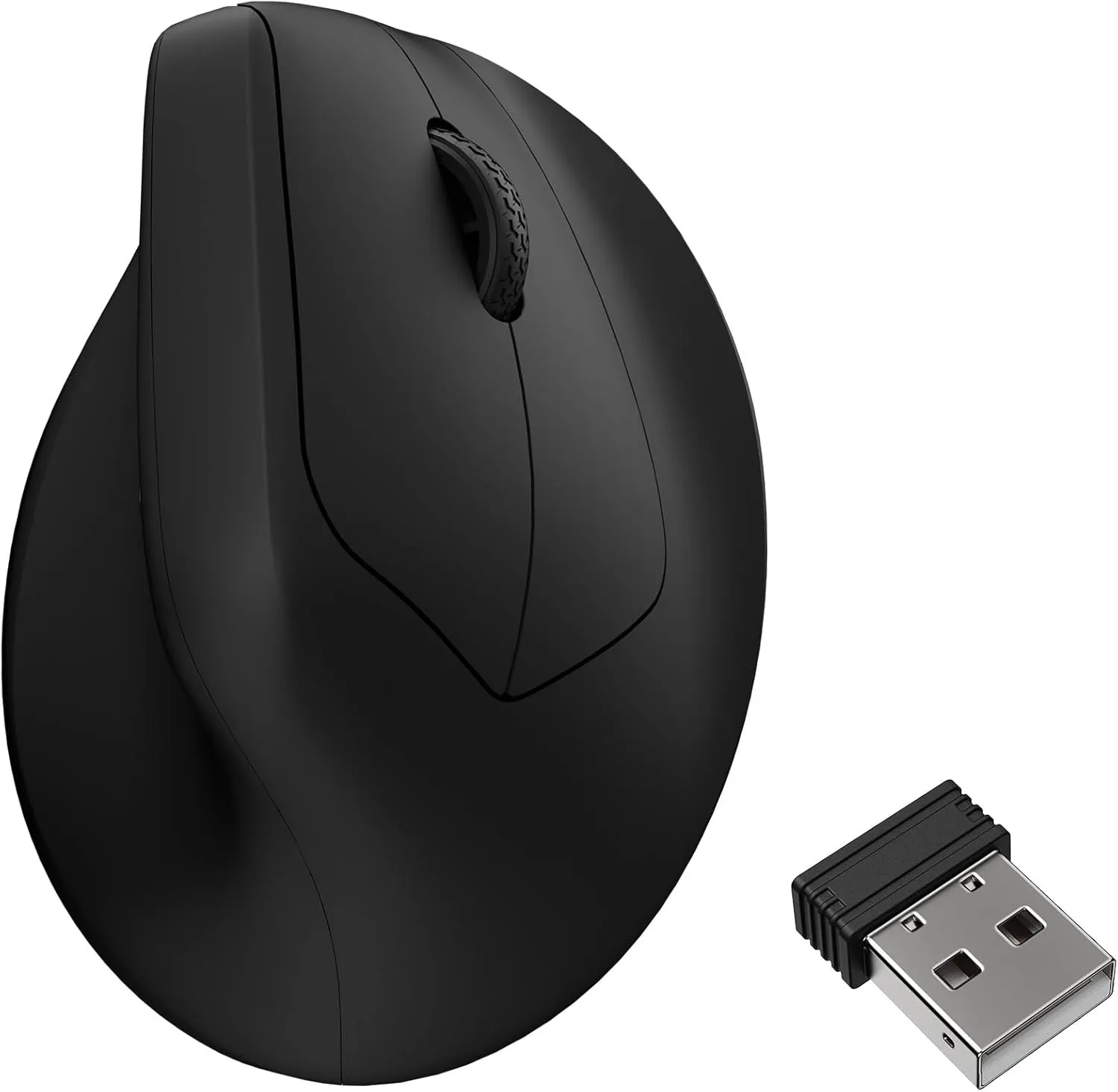
Most of us never chose a flat mouse. It came in the box, and you don’t question it until your wrist starts complaining. The Keychron M5 is the first vertical mouse I’ve used that doesn’t make you trade performance for the comfort, and after three weeks it’s my daily driver.
The point worth making up front: a vertical mouse isn’t an ergonomic compromise you accept because something already hurts. The M5 is a genuinely good mouse that happens to be vertical — 95 grams, a PixArt PAW3950 sensor, 8,000 Hz polling. A year ago that spec sheet only came in flat gaming mice shaped like spaceships. Now it comes in a shape that keeps your wrist in a handshake instead of flat against the desk.
What I want from a daily mouse
Five things: comfort across a full workday, weight you stop noticing, tracking you never think about, battery you don’t have to babysit, and connectivity that works across two machines. Price is the tiebreaker, not the headline. The M5 clears all five.
Where it wins
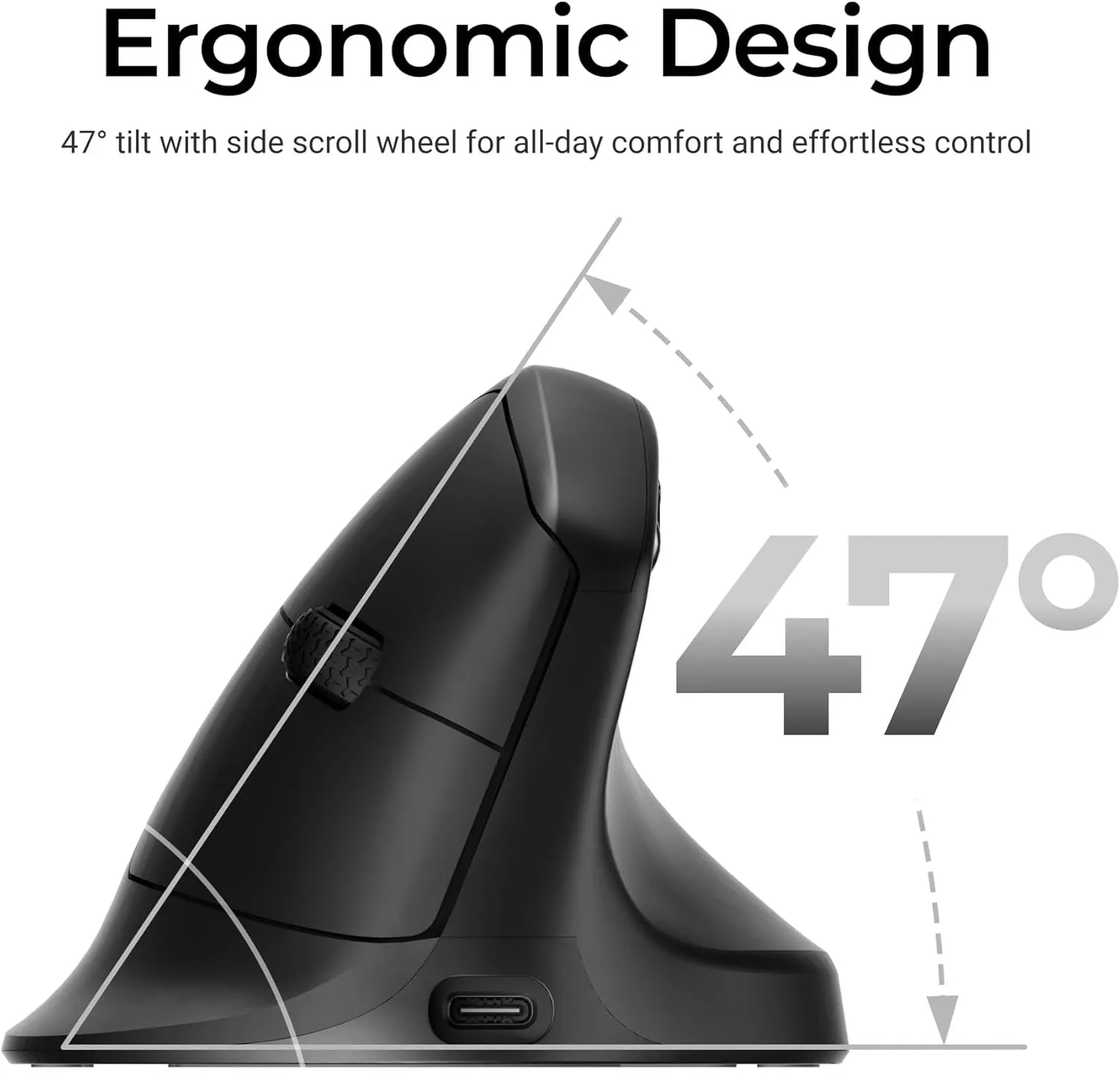
The angle. A 47° tilt with a thumb rest keeps your forearm un-rotated. The 4pm wrist ache I’d accepted as part of the job is gone.
The weight. 95 grams is light for any mouse and unusual for a vertical one. The Logitech MX Vertical it’s cross-shopped against is noticeably heavier.
The sensor. PAW3950, 30,000 DPI, 750 IPS. It tracks faster than your hand can move, so tracking stops being something you think about.
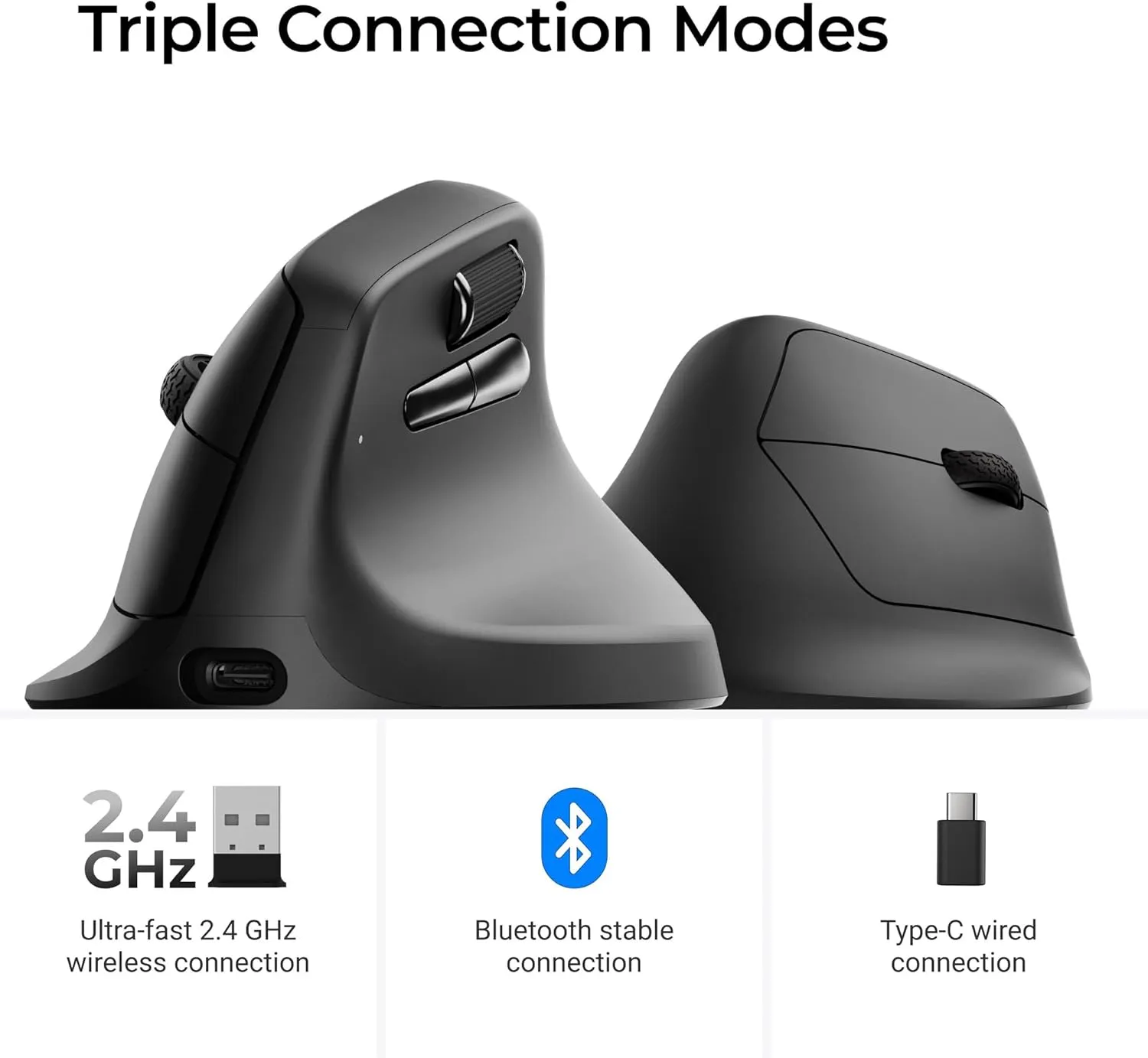
Connectivity and battery. Tri-mode — 2.4 GHz dongle, Bluetooth, USB-C wired — so one button moves it between my work laptop and my desktop. Rated around 140 hours at 1,000 Hz; it wants the cable about once a week.
Where it doesn’t
The headline 8,000 Hz polling rate is a spec-sheet number, not something you’ll feel — and switching it on drops battery from ~120 hours to about 40. Leave it at 1,000 Hz.
There’s an adjustment period. The first few days you’ll overshoot and misclick; by day four your hand forgets it was ever a problem. If you’ve never used a vertical mouse, budget the week. It’s also a right-handed shape, with software that’s functional but unremarkable.
Price
Seventy dollars. The MX Vertical it’s measured against runs about $120 with an older sensor and more weight. The M5 beats it on the three specs that change the experience — weight, sensor, polling — for fifty dollars less. That’s not a close call.
Verdict
Buy it if you work at a desk all day and your wrist has started complaining, or if you want the comfort of a vertical mouse without giving up weight, tracking, or latency to get it. Skip it if you’re a competitive FPS player on a flat symmetrical shape, or you can’t spare a few days to adjust. For most of us who work at a computer all day, it’s the easiest hardware recommendation I’ve made in a while. You can grab the Keychron M5 here. That’s an affiliate link: buy through it and a little comes back to the site at no extra cost to you. I’d have written every word of this either way.