Spinjam rides to your music

I like to exercise to my music. The big-name cycling apps cost a lot and want me to ride to their playlists, and who knows if I’d like those songs. So I built Spinjam. It makes an indoor-cycling workout out of songs you already own.
What it does
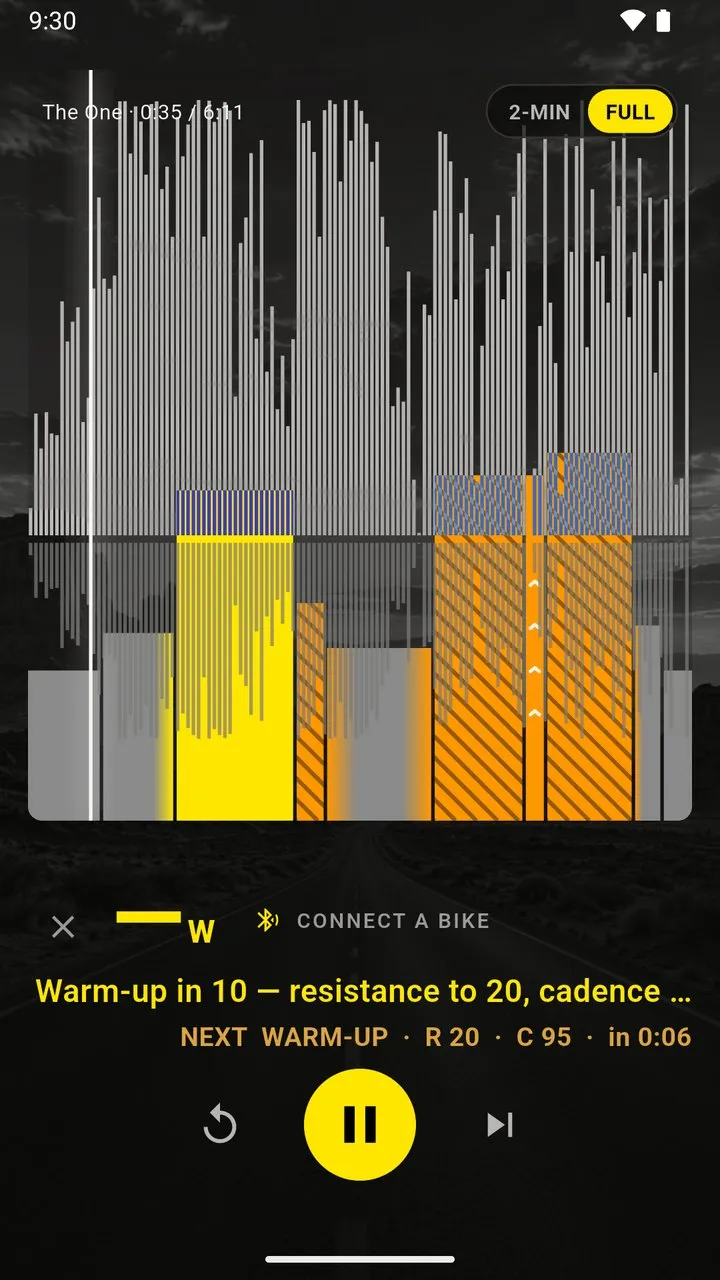
You pick the songs. Spinjam analyzes each one, turns the drops into hard efforts and the quiet parts into recovery, and a voice calls every change before it arrives. A Bluetooth bike is optional. Without one, you ride to the cues and the graph.
Effort follows the standard intensity zones, and the ride follows the usual warm-up, work, recovery and cool-down phases. Tempo sets cadence the way studio classes do it. A small machine-learning model on the phone guesses where a song builds and drops. How it works has the rest.
Live mode
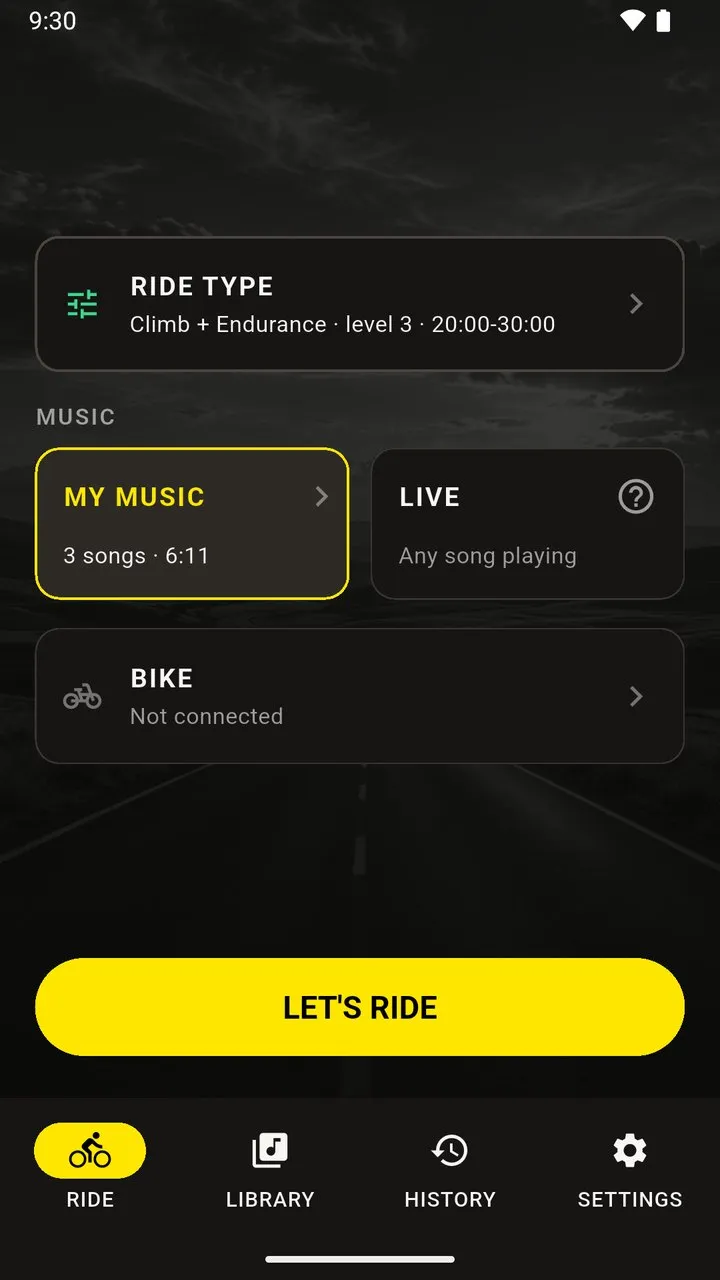
Live is the part I need help with. You press listen and play any song. The phone works out what it is and builds the ride as the song plays.
On my first bike test it recognized Kesha’s “Red Flag” and still handed me a generic ride. A song the app hasn’t seen gives it little to go on. So it keeps listening and rebuilds the rest of the ride as it hears more. I don’t know yet if that holds up on real songs, so I need testers. The more people ride in Live, the better the model gets.
Try it
Spinjam is in beta on iPhone and Android. spinjam.app has the current steps, and it wins if this post and the site disagree.
Testers who send helpful feedback get a chance at lifetime access. The official rules cover the details.
- Join on the beta page with your email.
- On iPhone, install Apple’s TestFlight app and open the TestFlight link on the download page. iPhone builds only run through TestFlight.
- On Android, join with your Google account email. I add you to the Google Play test and send the link. The download page also has a direct APK as the backup. If you use it, allow the one-time install prompt.
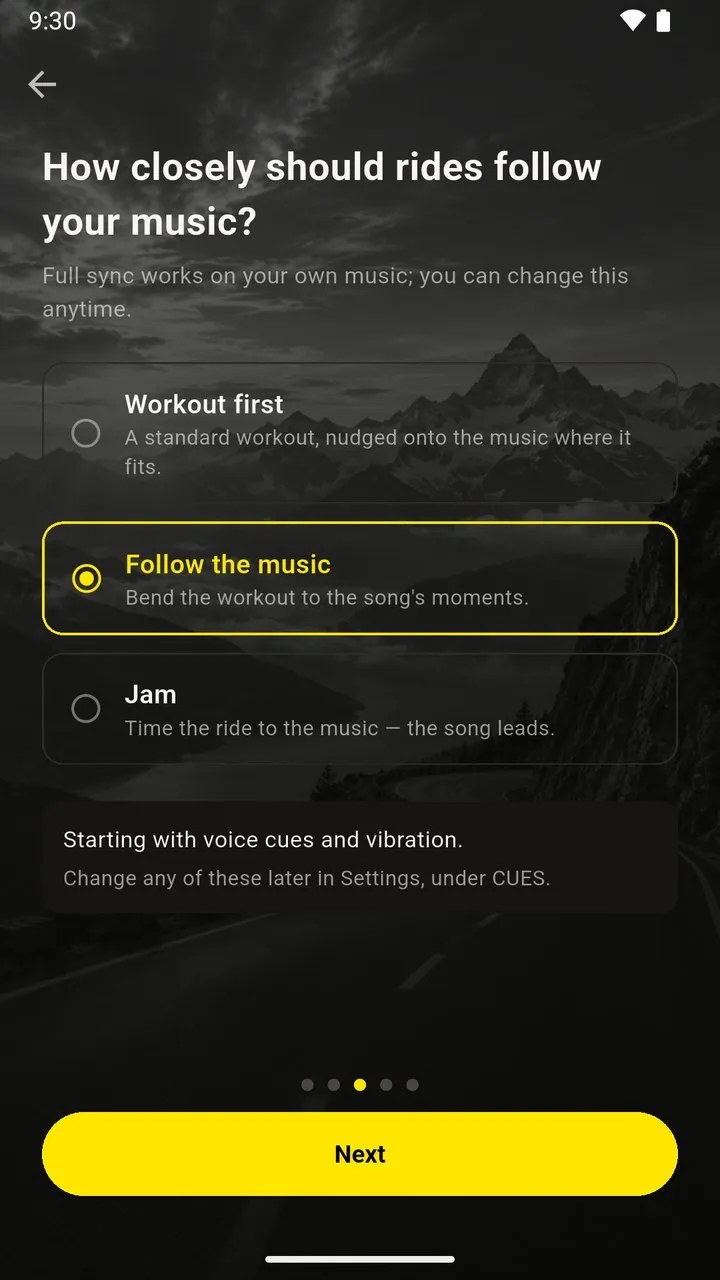
- Build a ride from a few songs you own. Run one song through all three settings (Workout first, Follow the music, Jam) and see how closely the ride follows it.
- Open Live and play a song. If it’s coming from a streaming app, use the microphone.
- Ride something odd. Long builds and abrupt stops break the analysis, and I want to see that.
- Send feedback from the app after each ride, using the email you signed up with. Say which song, what happened, and when.